01
Find the right song for the moment
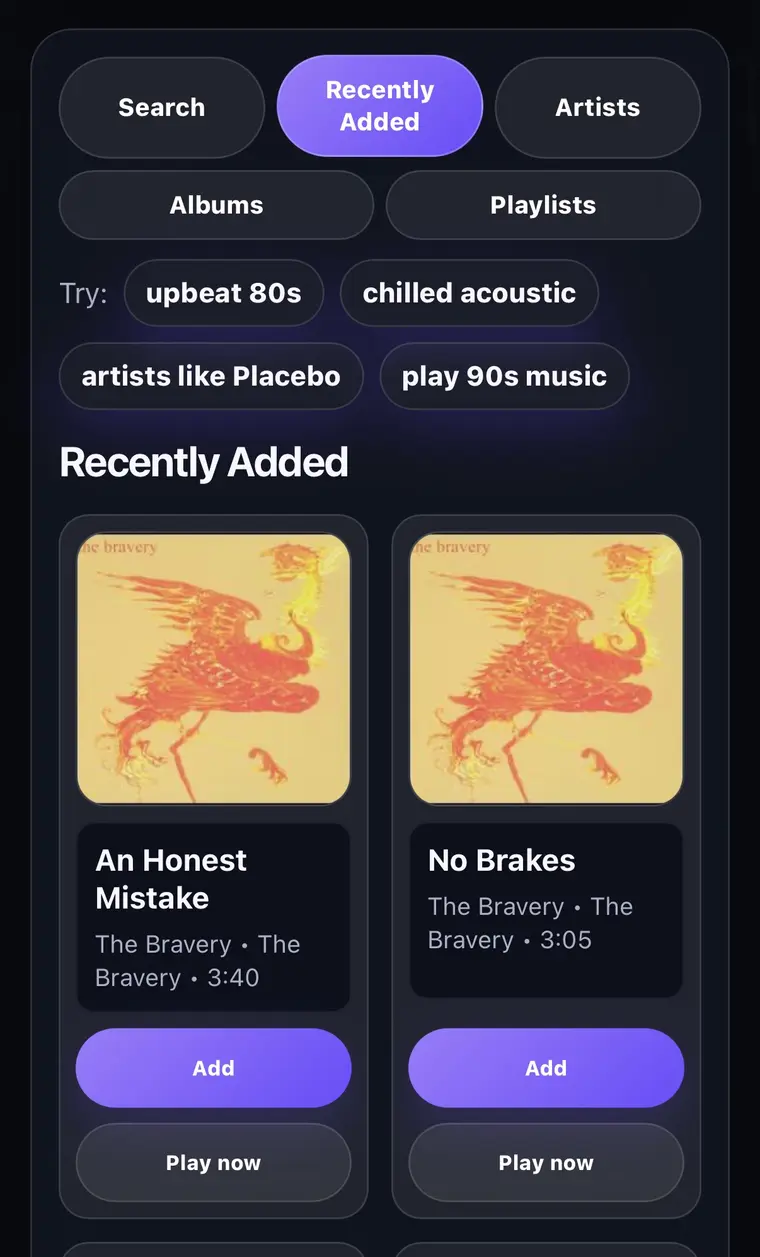
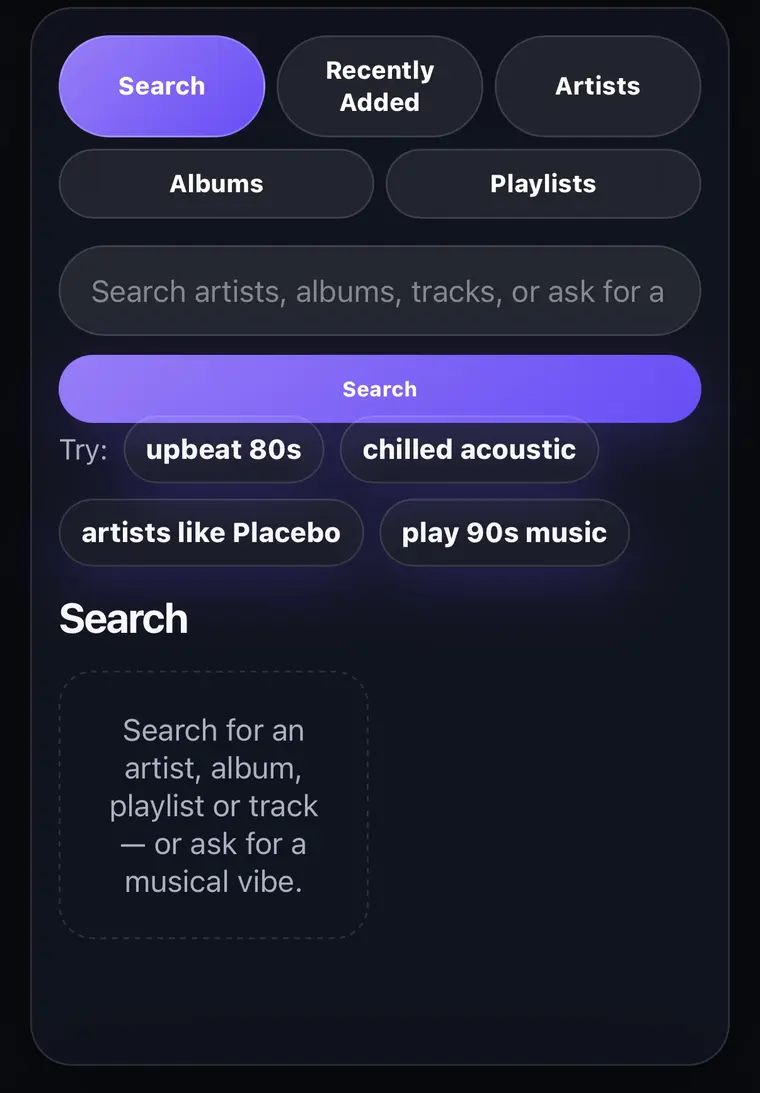
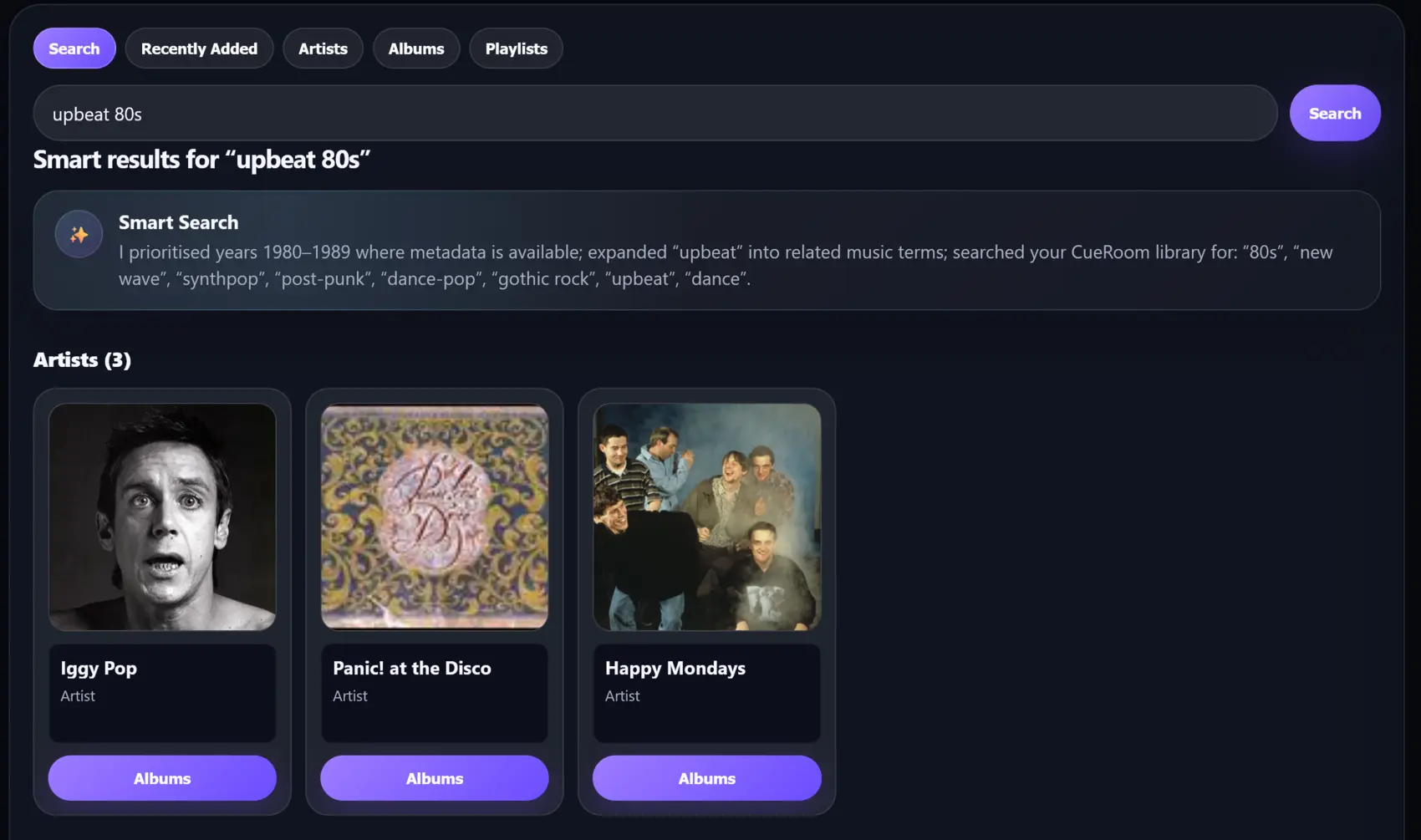
Search normally or ask for a vibe—upbeat 80s, chilled acoustic, a 90s throwback. CueRoom helps people get to something good quickly.
Your home. Your music. Everyone’s invited.
CueRoom turns the music you already have into a shared jukebox. Friends pick songs from their phones while your TV makes every track feel like an event.
Built for the home music collection you already manage.
Pass the choice, not the phone
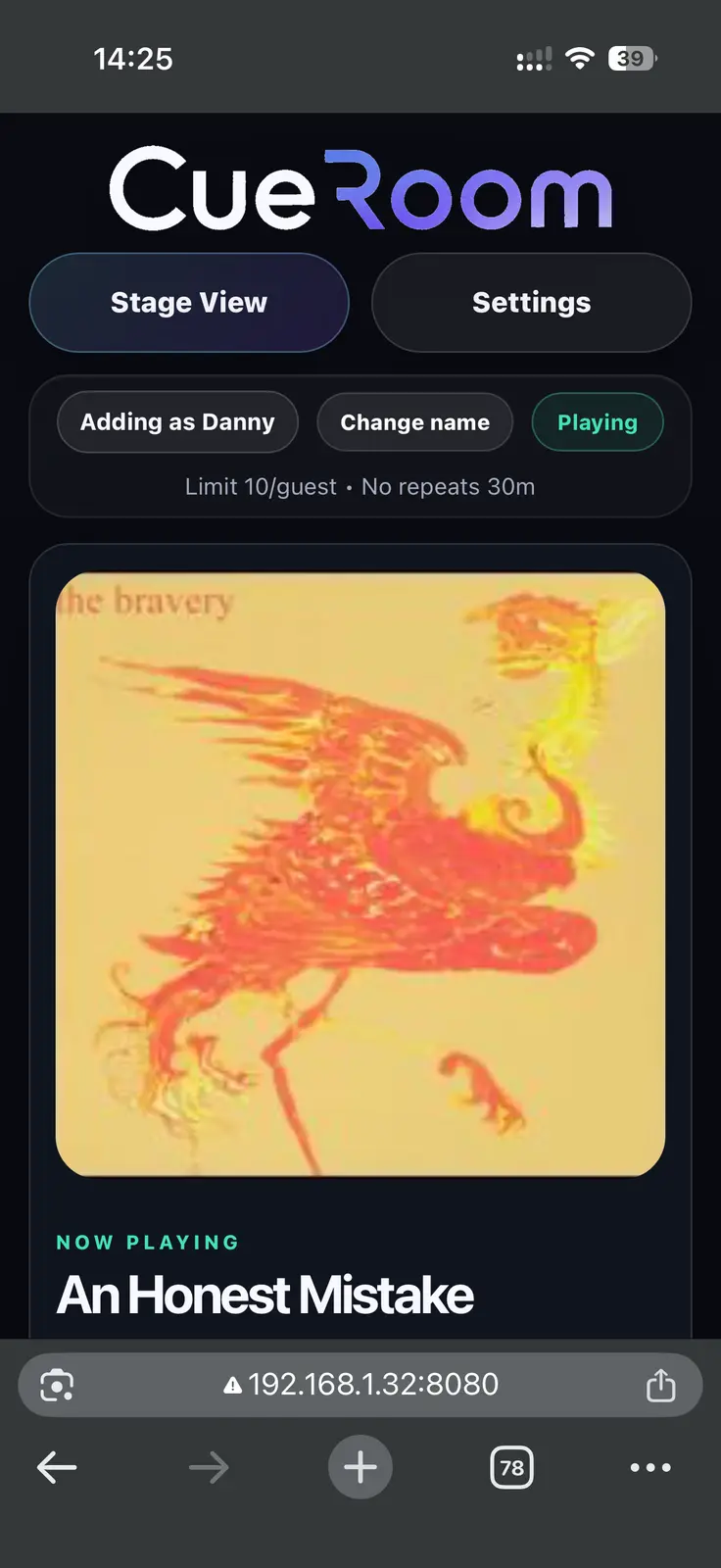
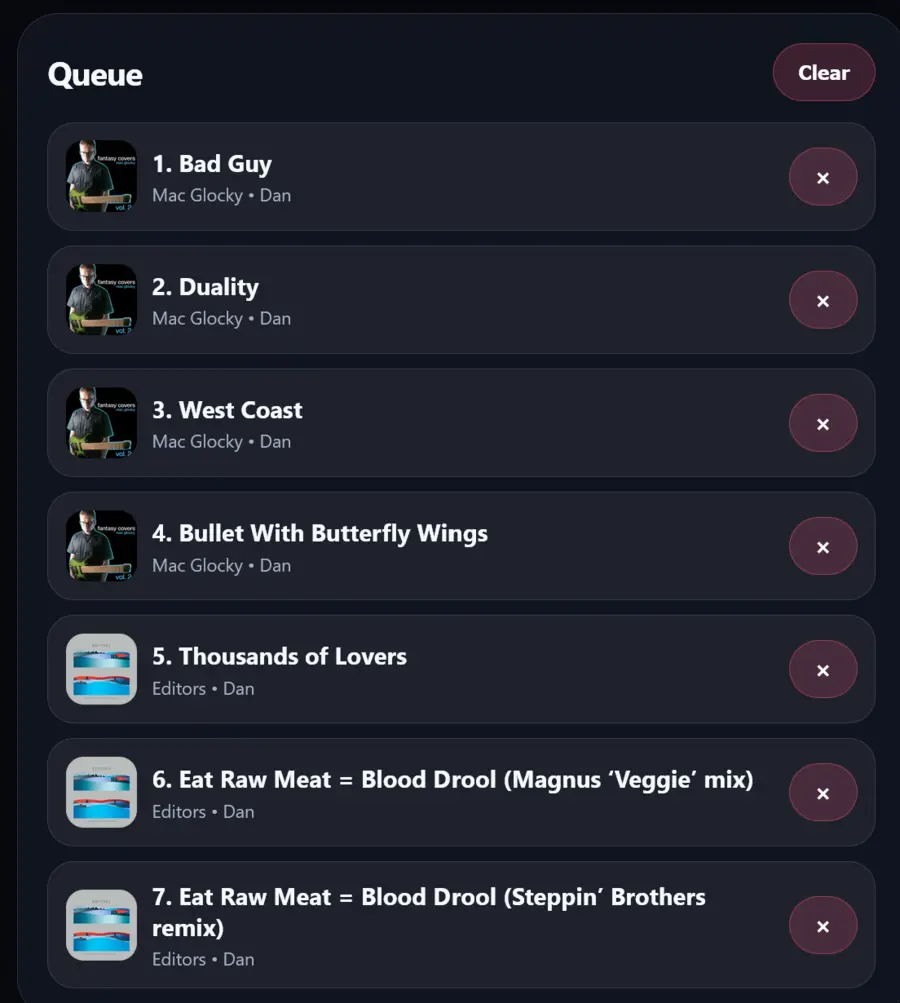
Guests open CueRoom on their own phone, find a favourite and add it to the shared queue. No guest account. No app to install. No awkward phone handover.
Search normally or ask for a vibe—upbeat 80s, chilled acoustic, a 90s throwback. CueRoom helps people get to something good quickly.
Every choice lands in the same clear queue. Simple house rules help stop repeats and keep one enthusiastic guest from booking the whole evening.
Your TV gets the best seat
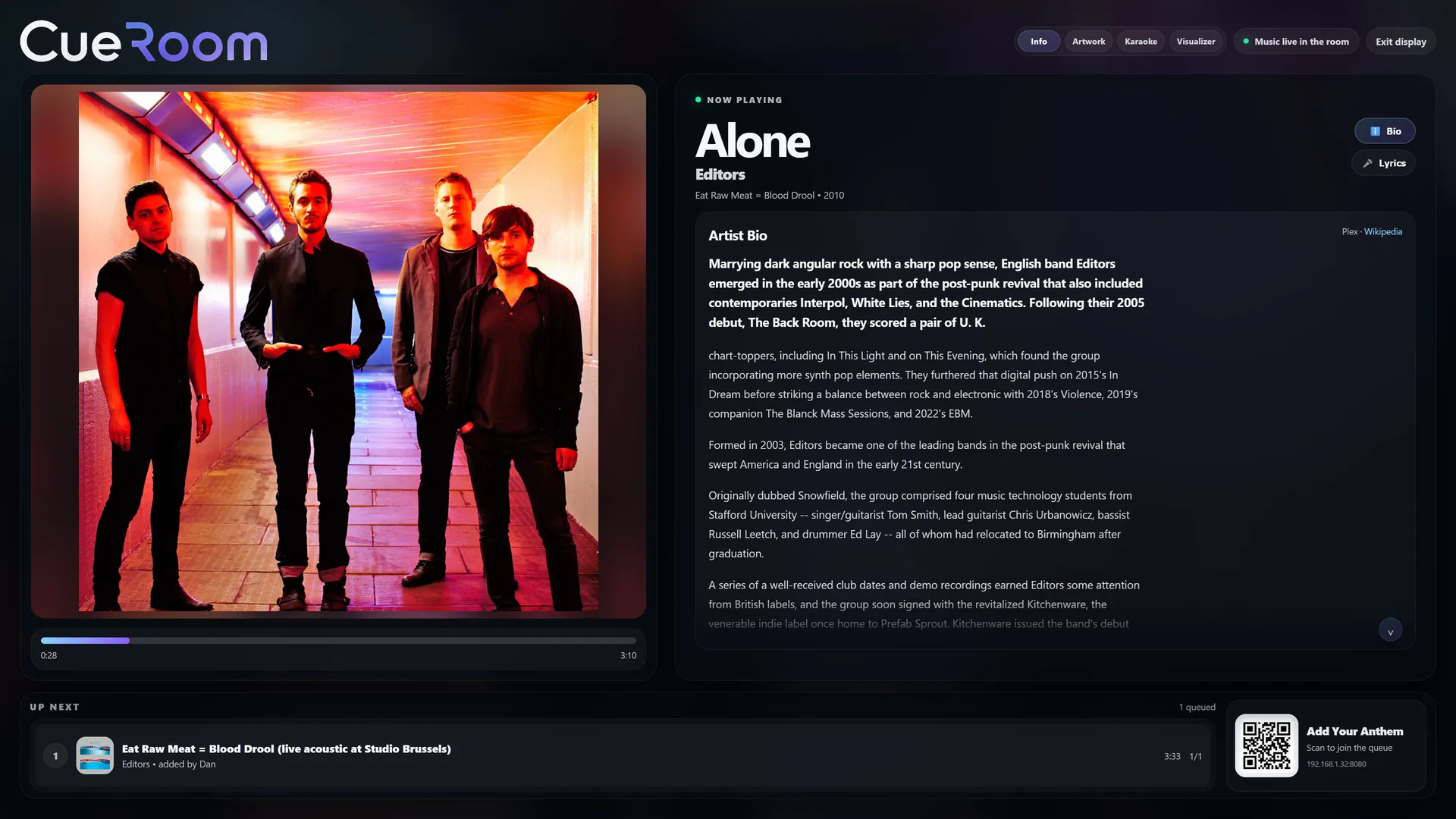
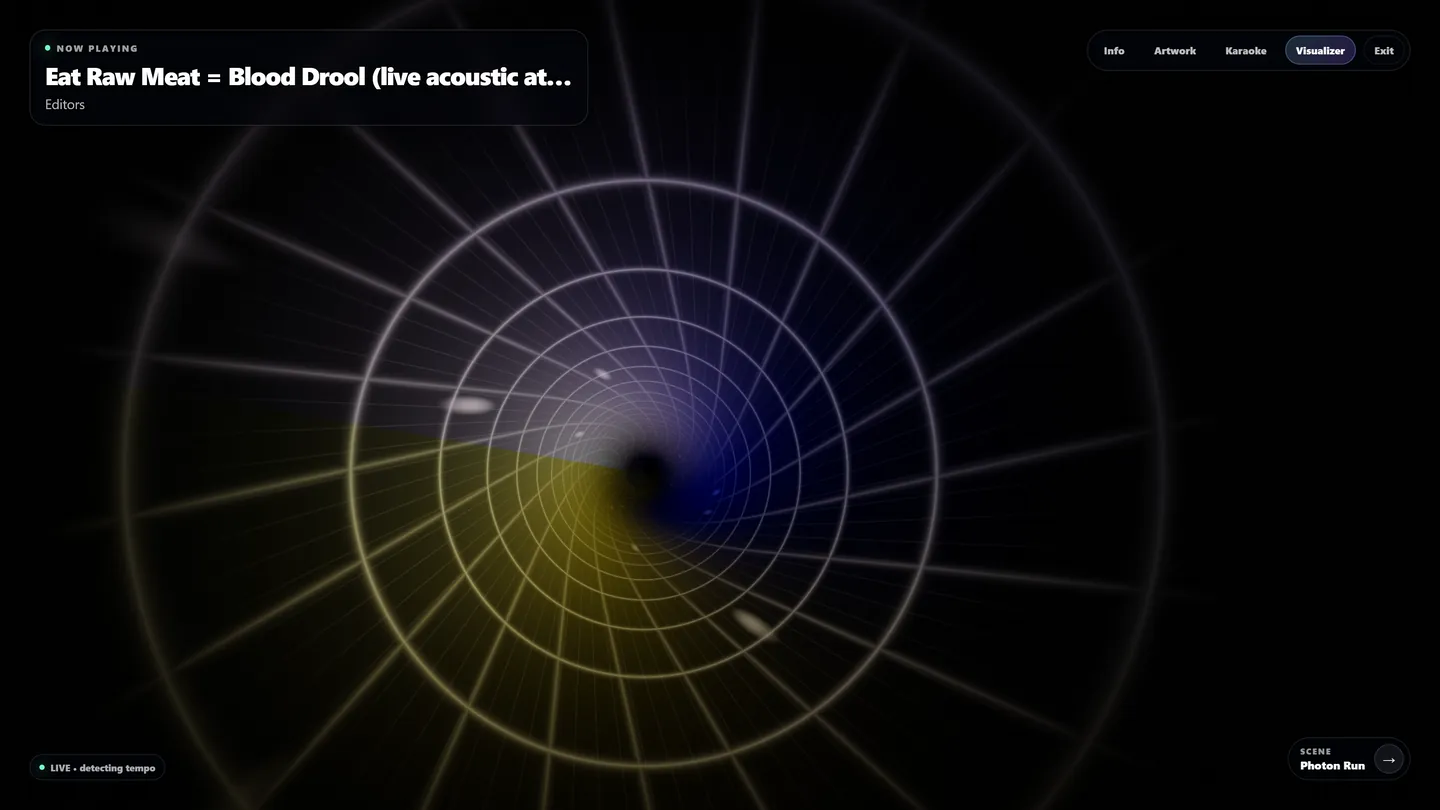
Keep it calm with artwork and artist stories, turn on lyrics for a singalong, or let the visuals take over when the night gets louder.
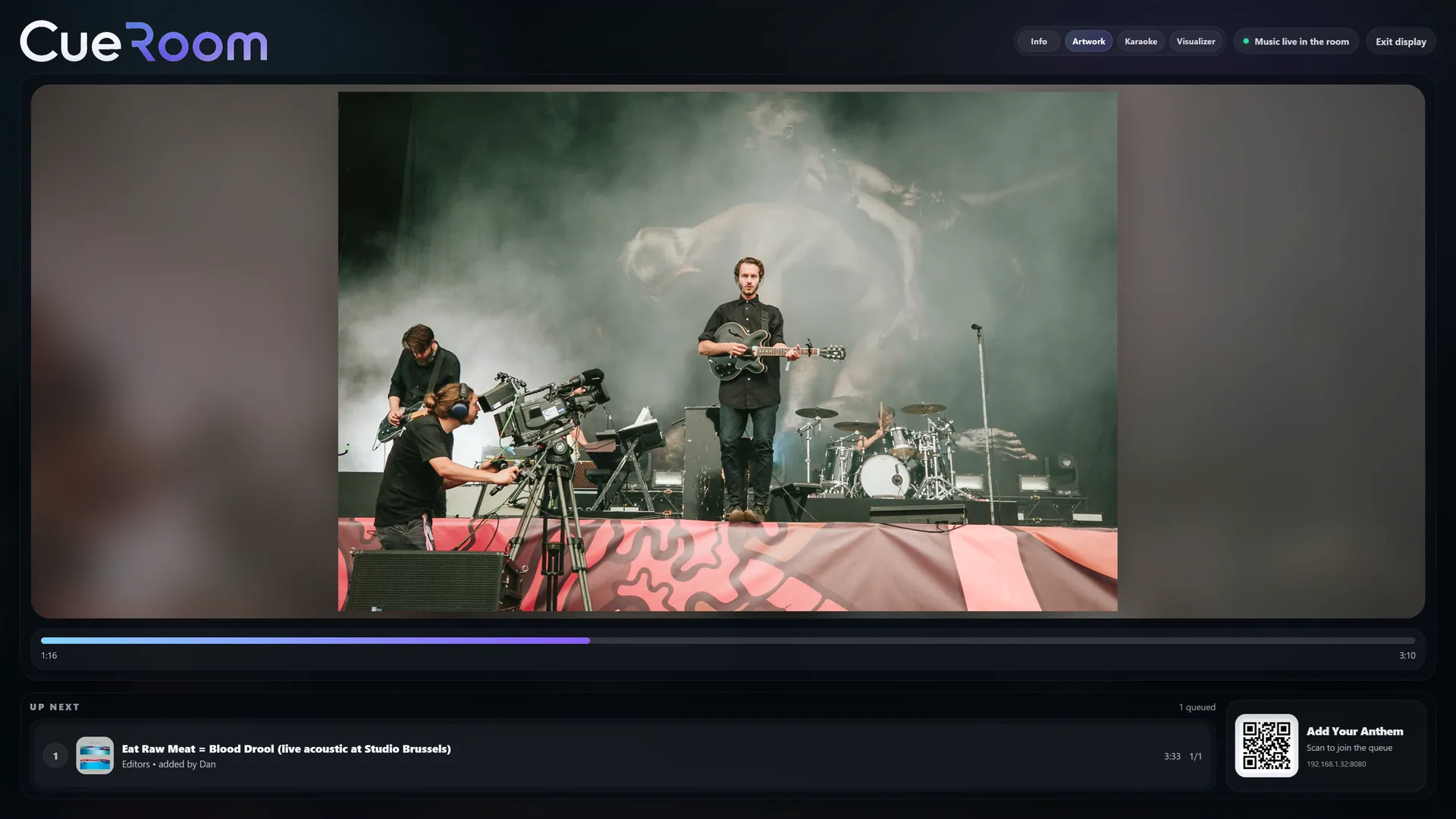
A polished backdrop for dinners, drinks and slower evenings.
Big, timed lyrics turn an ordinary song into a group performance.





Any excuse for a soundtrack
CueRoom can be the centre of the night or simply keep good music moving in the background.
Let the room shape the playlist while you get on with hosting.
Old favourites, questionable throwbacks and one queue everyone can see.
Start with background music. End with the whole room singing.
Keep Stage View elegant and let guests add something they love.
A shared soundtrack that carries on while people come and go.
Give everyone a say without surrendering control of the speakers.
You still call the shots
Choose how many songs each person can add, stop repeats, keep the queue fair and decide what happens when it runs out. Guests get the fun bits; the important controls stay with you.
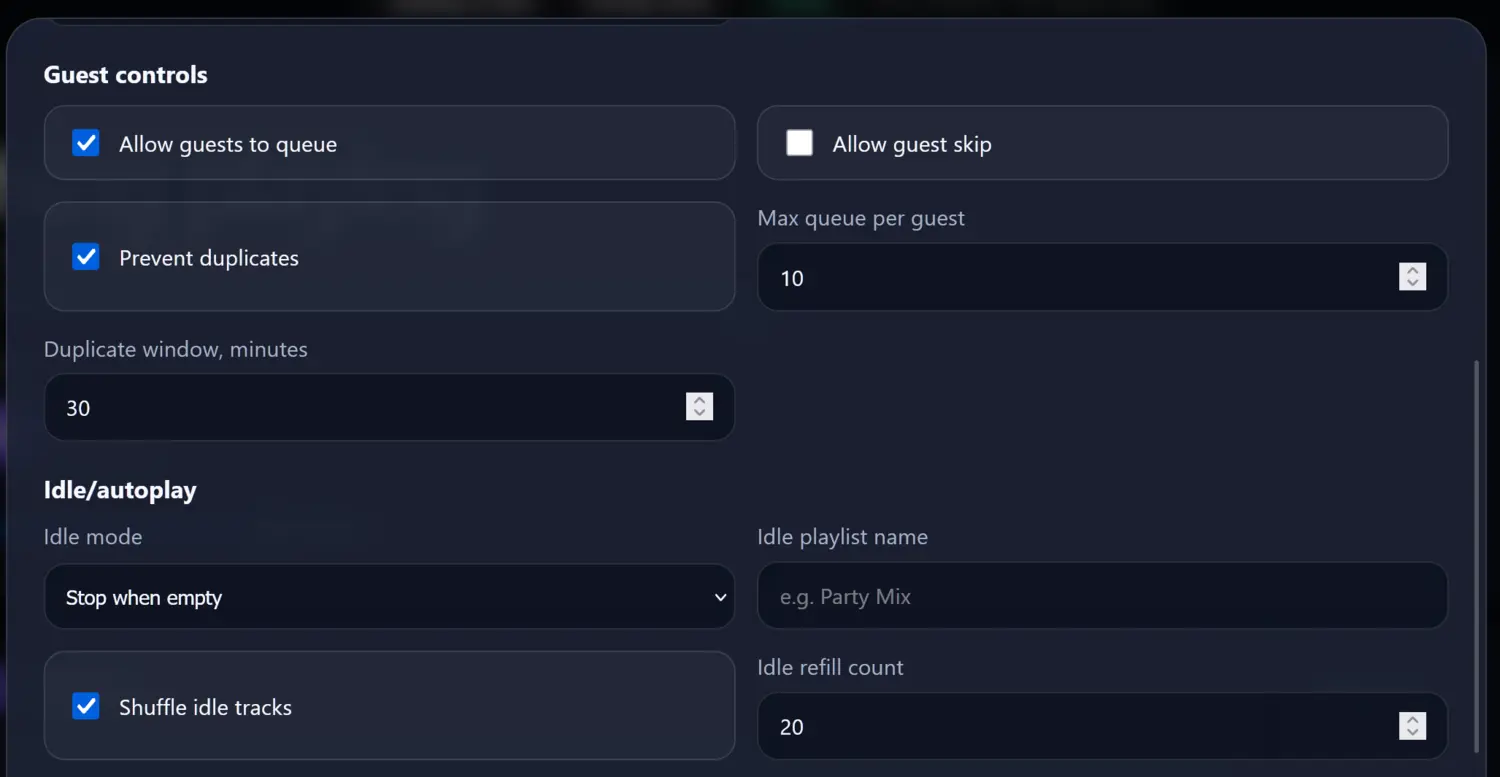 Set your house rules once, then enjoy the night.
Comfortable in your home
CueRoom is made for people you invite into your home. Guests can choose music, but your settings and library details stay out of reach.
01No guest accountsScan, choose and enjoy.
02Your music stays yoursCueRoom works with the collection you already keep at home.
03Host-only settingsGuests cannot change the important bits.
04No listening inCueRoom reacts to playback without recording the room.
The quick version
CueRoom is a self-hosted party jukebox for the music collection you already keep at home. Invited guests browse from their phones and add songs to one shared queue.
No. They scan the room QR code and use CueRoom in their phone browser. The music library and important settings remain with the host.
Connector availability will be confirmed with each tested beta release rather than promised before release testing is complete.
The host can set request limits and repeat rules. Guests get an easy way to contribute without receiving the controls that run the room.
CueRoom for Windows
The guided setup walks you through connecting your music and opening Stage View. CueRoom is currently being prepared for its first home beta release.
The download button will appear here as soon as the tested Windows installer is ready.